Need a business card but don’t have the time or technical skills to create one from scratch? A business card generator can get you from idea to a finished card in seconds.
But not every generator offers the same experience. Some have much stronger template libraries, while others stand out for their editor, affordable printing, or premium materials.
To help you choose, we’ve rounded up seven of the best business card generators in 2026, based on their specialty, printing capabilities, and ease of use.
Which Business Card Generator Should You Choose?
| If you are… | Choose… |
|---|---|
| Building a brand and want a card that actually matches it | Design.com |
| Looking for visually striking designs | BrandCrowd |
| New to editing | Canva |
| Particular about paper, finishes, and print options | VistaPrint |
| Looking for a more luxurious or premium cards | MOO |
| Going for an unusual material or custom finish | Jukebox Print |
| Searching for the most affordable option | GotPrint |
1. Design.com
Best for: Creating business cards that match your brand
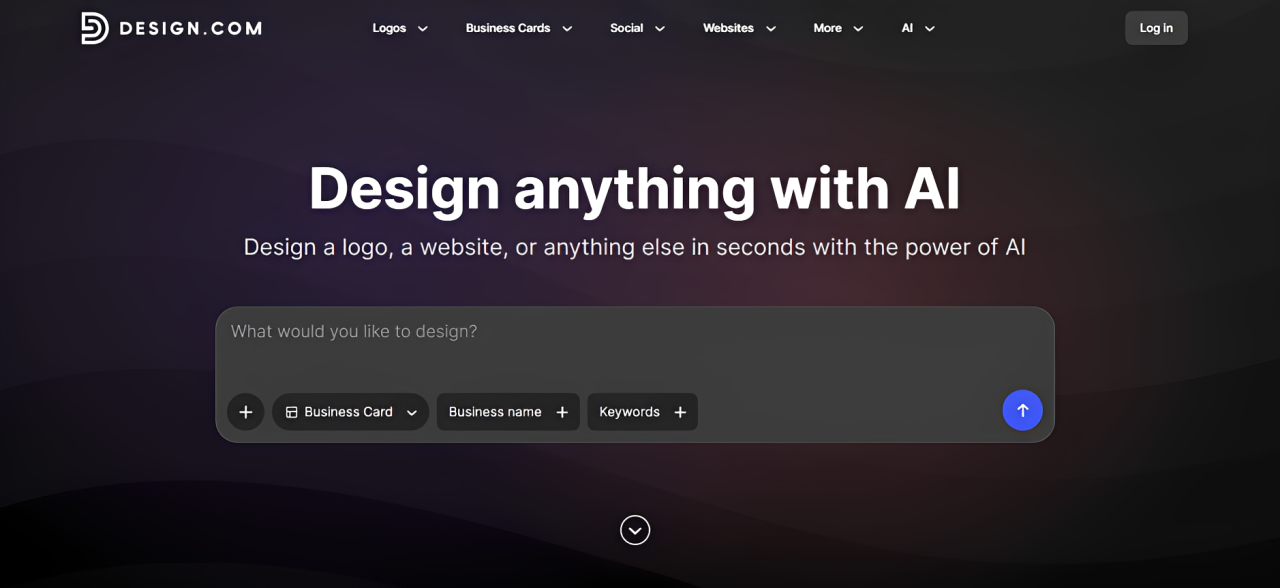
Design.com is the best business card maker for businesses that want a card that accurately reflects their brand identity. Its design library covers both popular and niche industries as well as a wide range of visual styles, which means it’s easy to find something that genuinely fits your business (rather than settle for one that’s merely good enough or spend hours editing just to make them more suitable). Everyone, whether a tech startup, creative marketing agency, or tattoo artist can find card designs created with businesses like theirs in mind.

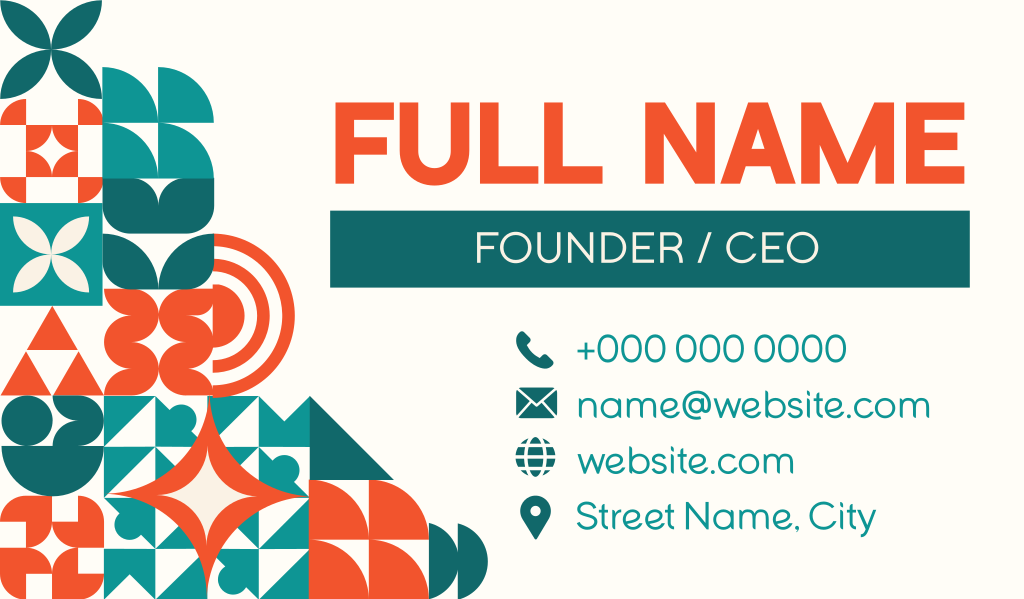
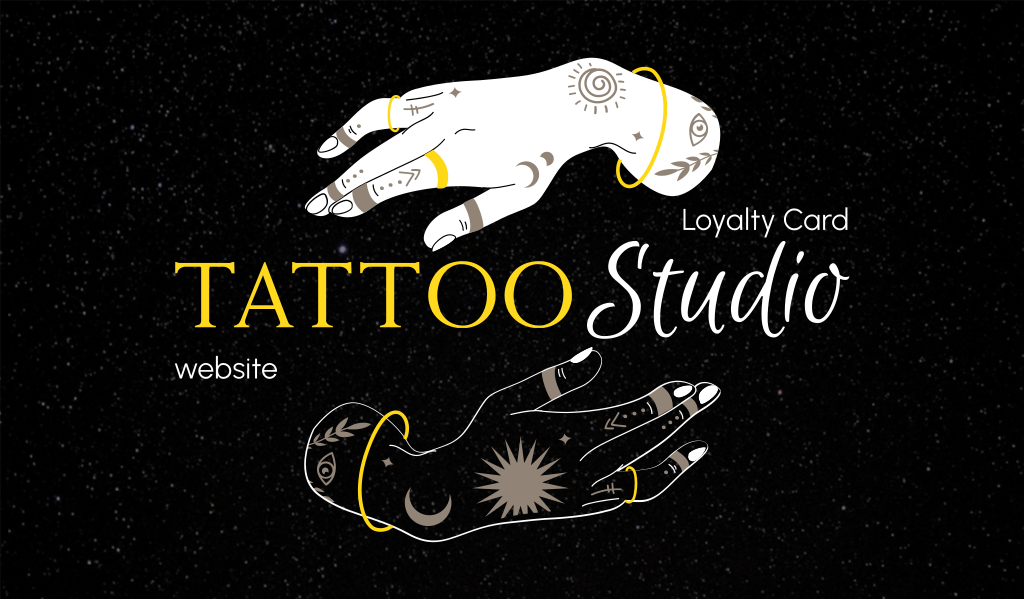
This branding-focused approach continues beyond your card. This is because Design.com gives you matching logos, websites, social media graphics, email signatures, letterheads, and other materials based on your card’s design. This makes it easier to maintain the same look wherever customers encounter your business, which is helpful in building brand recognition. At the same time, it saves busy entrepreneurs from having to recreate their branding every time they need a new asset.
Product highlights:
- Broad and niche industry coverage: The large template library covers everything from common professional services to much more specific business categories, giving users a better chance of finding a relevant design.
- Plenty of visual styles: There are minimalist, corporate, bold, playful, luxury, modern, and other design directions available to suit different brand personalities.
- Huge library of graphic assets: Design.com offers over 750 fonts and 62,000 graphic icons, giving users tons of options when it comes to personalizing their cards.
- Matching brand materials: Once you’ve created a card, you can create matching logos, websites, social graphics, email signatures, letterheads, and other marketing assets based on your card’s design.
- Easy customization: The editor is a simple drag and drop which makes it easy to customize fonts, graphics, and layouts. Design.com also offers an AI chat editor so users can request the AI to do changes to design for them.
- Direct printing: Cards can be printed directly through Design.com. Users also get their cards in various print-ready formats should you prefer to print it on your own.
Limitation:
- Its printing options cover the needs of most businesses, but brands specifically looking for unusual stocks and highly specialized print treatments may prefer a dedicated printer.
Pricing:
- Design.com offers free business card templates for download. Premium Plan which starts at $3/month billed annually gives access to premium templates.
- Pricing for printing is separate, and will depend on quantity, sidedness, corner style, and finish selections.
2. BrandCrowd
Best for: Bold and visually striking business cards
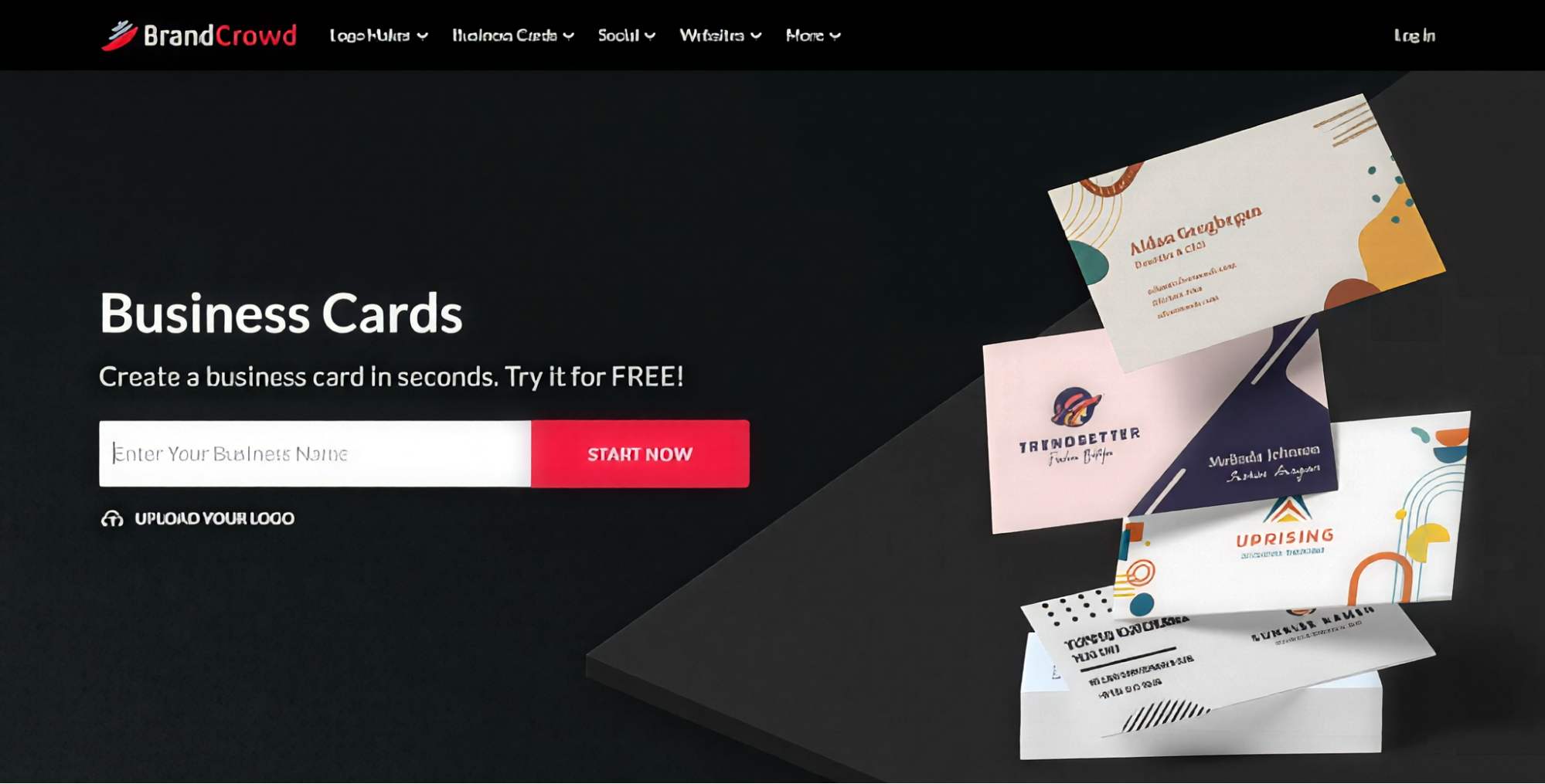
BrandCrowd is a good fit for businesses that want their business cards to immediately grab attention. Its library leans heavily into polished, creative visuals, with strong typography, tasteful color palette, beautiful illustrations, and contemporary layouts. This makes it particularly appealing to creators, photographers, and other businesses where visual presentation matters.
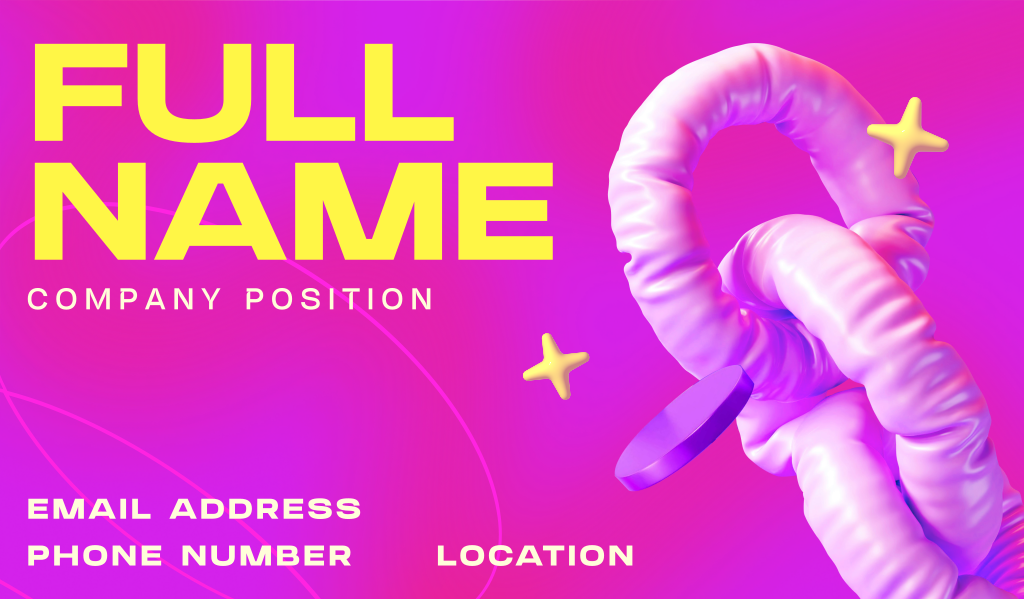
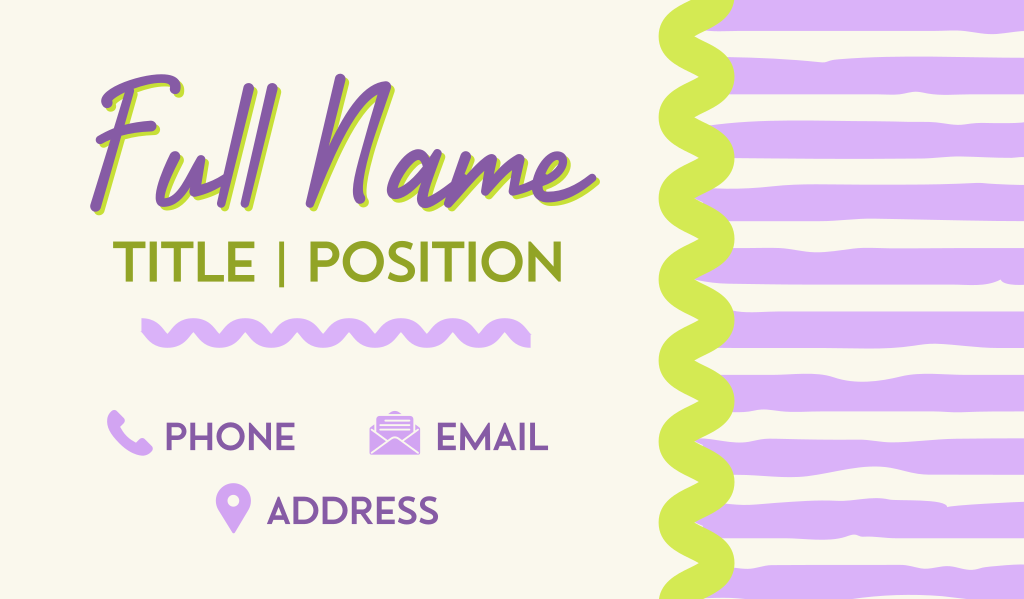
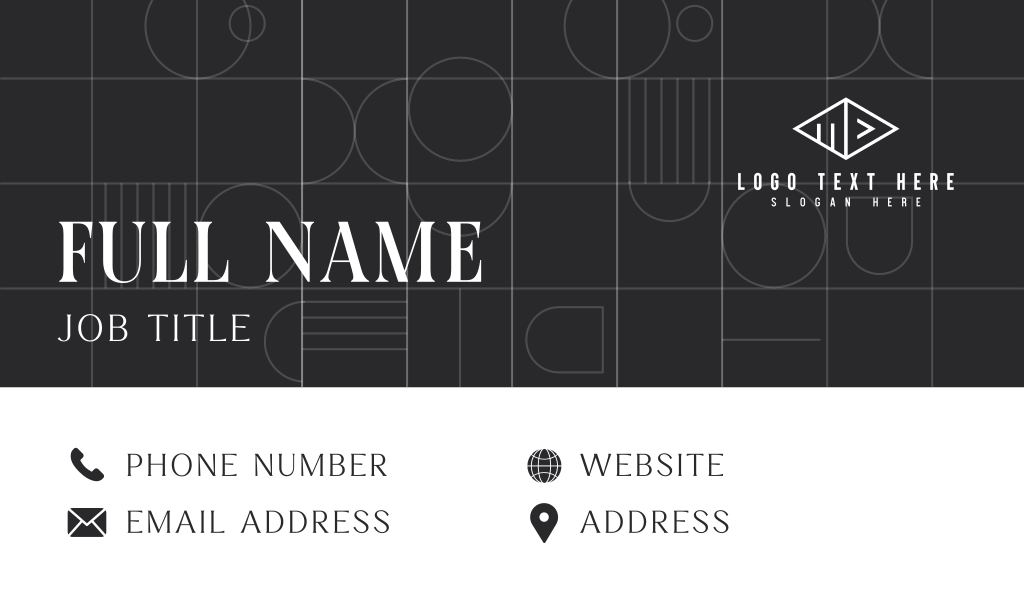
You don’t need much design experience to get a good result, either. Most templates already have a strong visual foundation, so the process is largely about finding a style you like and just personalizing it further fit to your business.
Product highlights:
- Strong visual aesthetics: Templates are polished and professionally composed right from the start.
- Wide range of styles: Users can browse everything from clean and minimal cards to colorful, bold, illustrated, and more expressive designs.
- Easy customization: Fonts, colors, text, layouts, shapes, and graphics can be changed through a straightforward drag and drop editor.
- Direct printing: BrandCrowd offers direct printing, with options for finishes, corner style, sides, and quantity.
- Other brand materials: The platform also provides tools for social graphics, email signatures, letterheads, and other branded assets.
Limitation:
- Printing is limited to 250 card minimum order, which might be an issue if you just want to order a few to test out the design.
Pricing:
- BrandCrowd has free templates for download, with premium templates requiring a subscription to a paid plan.
- Printing is priced separately, and will vary depending on your quantity, finish, etc.
3. Canva
Best for: Beginners and teams
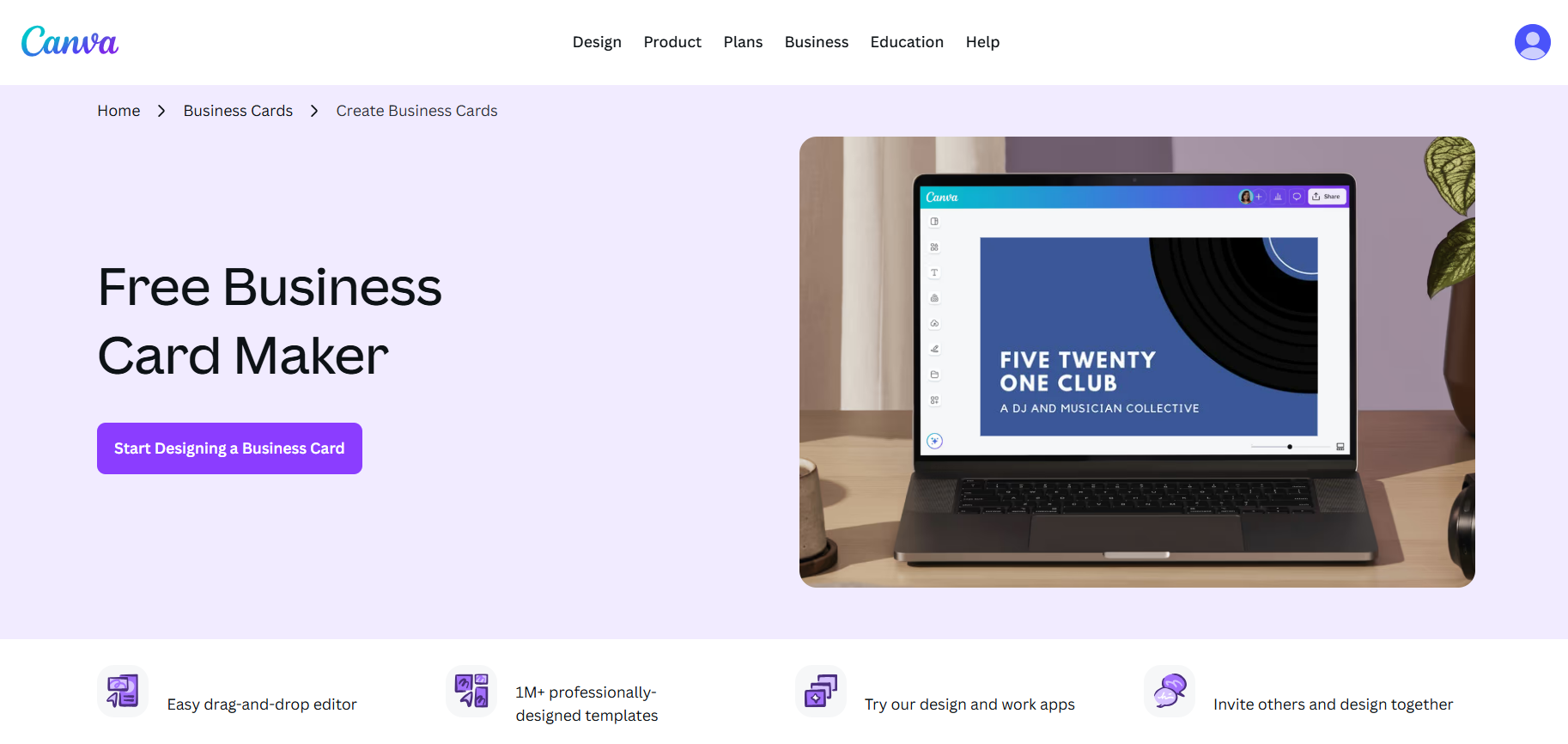
Canva is one of the best choices if you’ve never designed a business card before. Its drag-and-drop editor removes most of the technical barriers to design: simply choose a template, click an element to change or move it, then hit Download. And if you have used Canva before, their business card maker works the exact way, so the familiarity will make this process even easier.
Canva becomes even more useful when several people need to work on the card, as its collaboration tools make it easy for teams to edit, comment, and approve designs together.
Product highlights:
- Beginner-friendly editor: Canva’s drag-and-drop editor combined with their easy to understand UI is extremely approachable, even if you have no graphic design experience.
- Huge graphic library: Users can choose between a good selection of photos, frames, icons, illustrations, shapes, typography, and other elements to spice up their cards.
- Strong collaboration features: Team members can share designs, edit together, leave comments, provide feedback, and manage shared brand assets.
- Lots of other creative tools: Canva can also be used for presentations, social media graphics, videos, documents, websites, posters, and other content.
- Direct printing: Canva also offers direct printing, with options for materials and finishes.
Limitation:
- A lot of Canva’s better templates, graphics, icons, and illustrations are locked behind their paid plan.
- Canva’s popularity can also work against it, as their templates and graphics can be overused at this point, so more customization is needed if you want your card to look different.
Pricing:
- Canva has a free plan (albeit with limited templates and features), while Canva Pro provides access to premium templates, graphics, brand features, and other tools.
- Printing is priced separately and will vary on factors like quantity, finish, and shipping.
4. VistaPrint
Best for: Customizing exactly how your card is printed
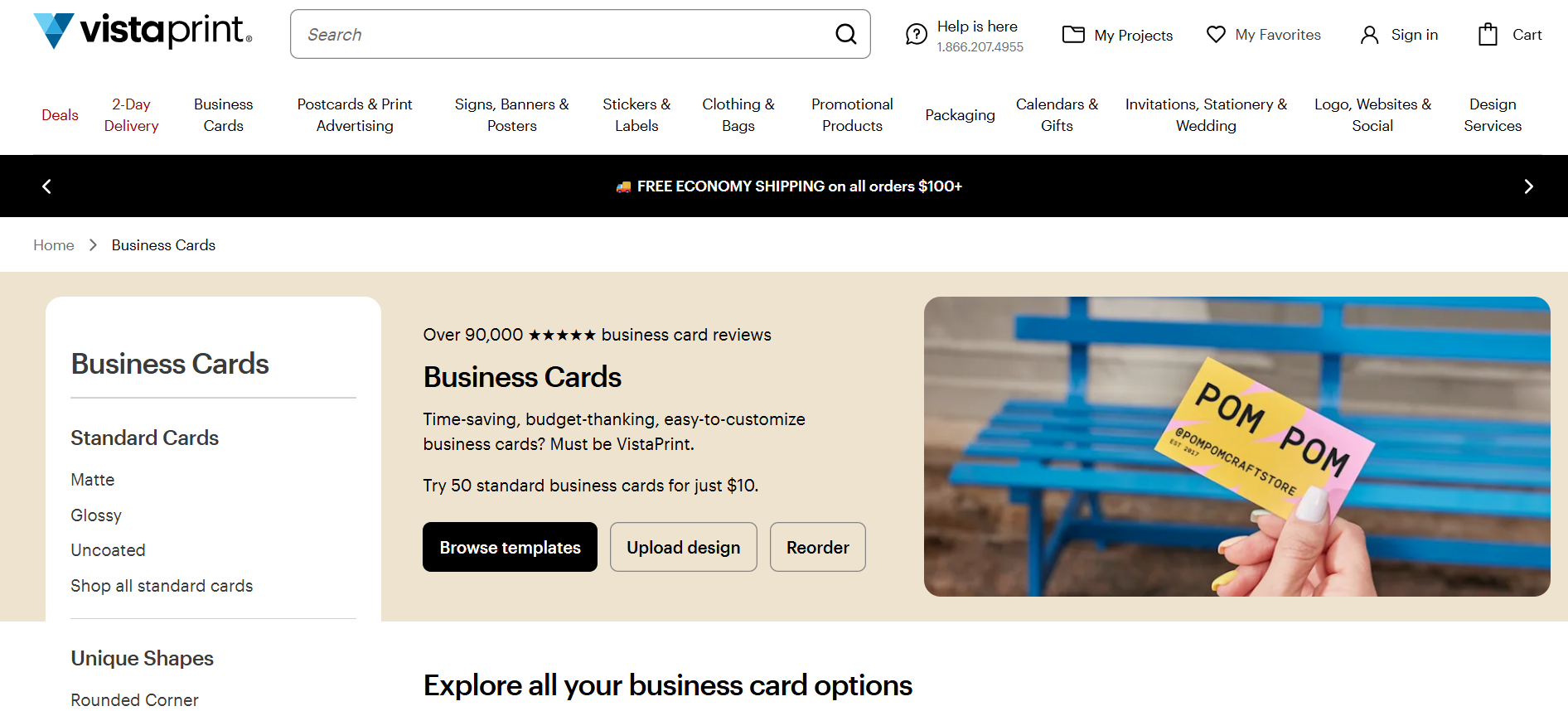
VistaPrint makes the most sense when you care deeply about how the finished product will be printed.
Instead of treating printing as the final checkbox, VistaPrint gives you plenty of control over the physical card itself. You can experiment with different shapes, papers, thicknesses, corners, and finishes, making it easier to turn a relatively simple design into something more distinctive.
Product highlights:
- Extensive print customization: Users can choose from a variety of different paper stocks, thicknesses, finishes, orientations, and corner styles.
- Specialty effects: Options include foil, raised effects, embossed gloss, and other treatments.
- Different card formats: Users that want to go beyond the typical rectangular card can also go for more unique shapes like leaf, oval, circle, or square.
- Ready-made templates: VistaPrint also provides customizable business card templates for users that don’t have a card design yet.
- Fast design-to-order workflow: The platform is built around getting your design ready for production and ordering the finished cards in one place.
Limitation:
- Its templates are limited in amount, variety, and quality, as printing is the platform’s strongest point, not design.
- The graphic library and editor features can also feel a bit limited compared to dedicated design platforms.
Pricing:
- Prices vary based on quantity, paper, card format, and finishes, with basic cards costing considerably less than specialty options.
- Standard cards start at $10.
- Premium cards start at $18.99.
- Deluxe cards start at $27.99.
5. MOO
Best for: Premium cards
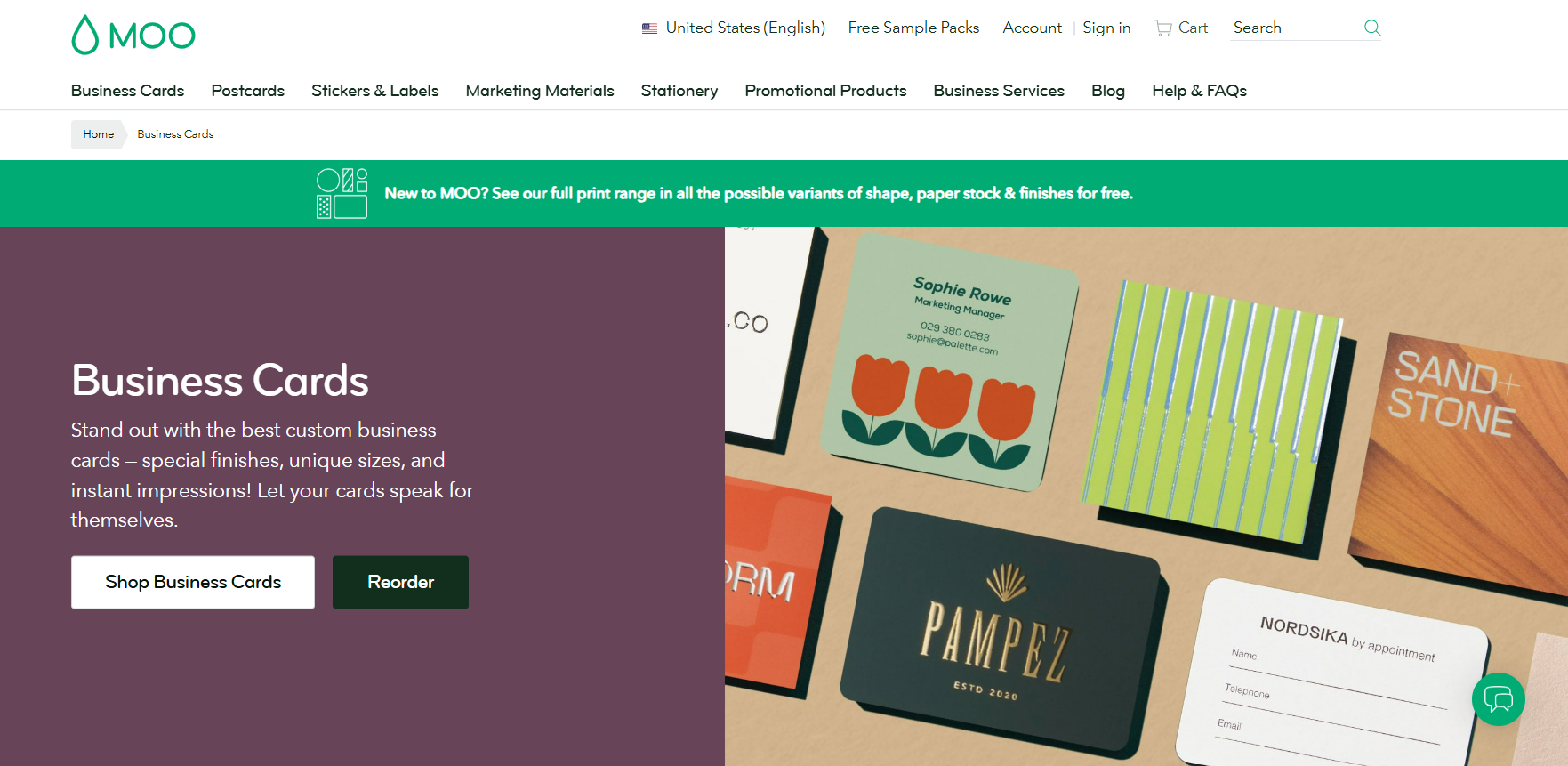
MOO is designed for businesses that want their card to feel noticeably more luxurious when someone picks it up. They offer thicker card stocks and more high-end finishes compared to most platforms, which makes the physical card itself feel more striking and premium.
Even their templates lean towards modern and minimalist designs. This makes it particularly suitable for consultants, designers, photographers, architects, and other businesses who want to project a more premium appeal and are willing to spend more for a higher-end result.
Product highlights:
- Premium paper stocks: MOO offers several thicker and more luxurious card options rather than basic stock.
- High-end finishes: Options include gold foil, silver foil, letterpress, and raised spot gloss which adds more texture and visual interest to cards.
- Printfinity: MOO’s Printify allows you to print different images on every card. This is useful for businesses or individuals who want to showcase different products without needing to order multiple batches of cards.
- Multiple card formats: MOO provides four different formats which are standard, square, mini, and MOO’s own standard format which is 3.3” x 2.16”.
- Professional presentation: The platform puts particular emphasis on cards that look and feel polished in person.
Limitation:
- MOO’s templates are lacking in other styles aside from elegant and modern.
- There is also a lack of choices for most industries, as their library isn’t as extensive as say Design.com.
- Searching for cards can be troublesome as their cards are not as organized as other platforms.
Pricing:
- Final pricing will vary by card stock, quantity, size, and finish, with premium stocks and specialty effects costing significantly more than standard cards.
- Classic at $31.98 for 50 cards.
- Signature (luxe) at $62.98 for 50 cards.
- Super (extra thick) at $78.98 for 50 cards.
6. Jukebox Print
Best for: Unique papers, materials, and finishes
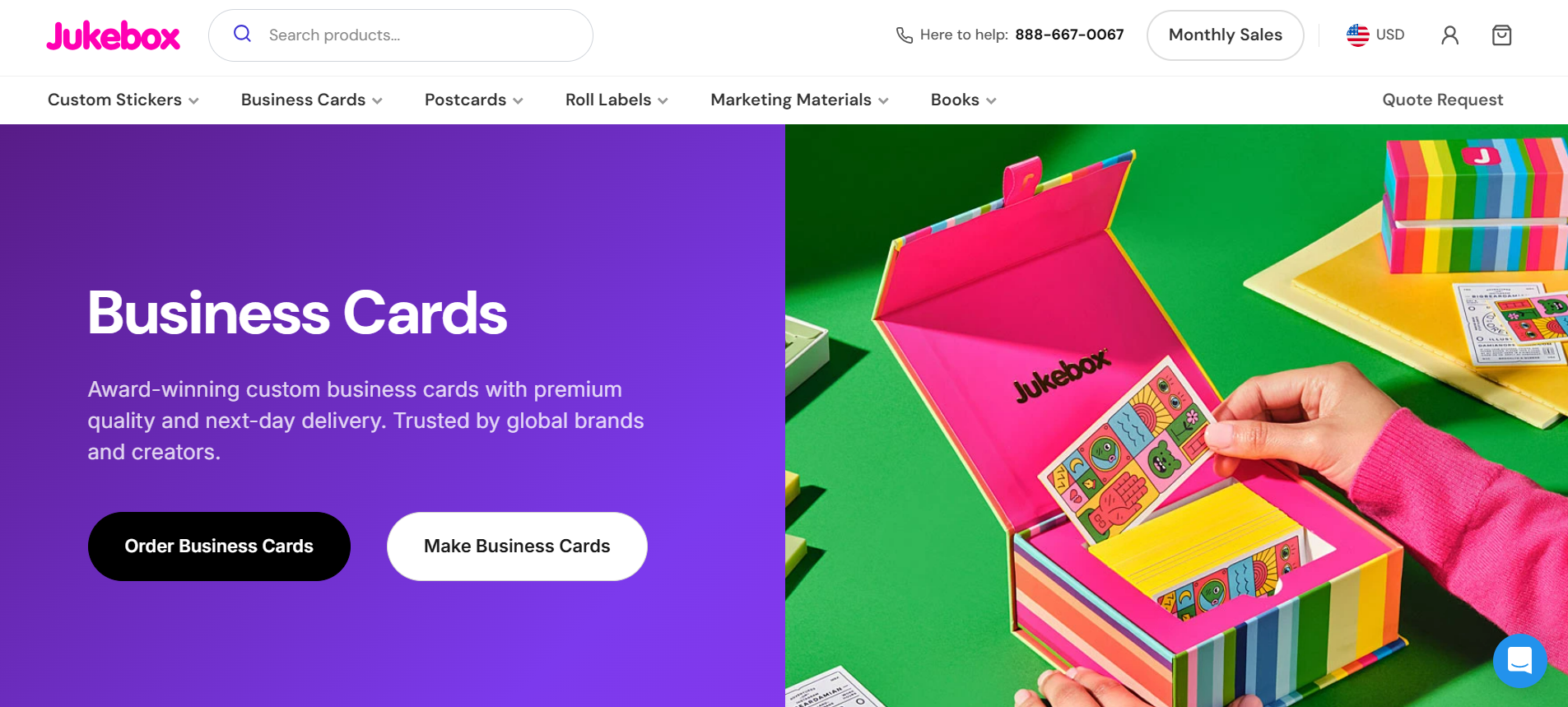
Jukebox Print is for businesses that don’t want their card to look or feel like everyone else’s. Rather than competing on the size of its template library, it specializes in giving users unusual ways to produce the physical card.
Jukebox provide different stocks, thickness, textures, shapes, and finishes. They even offer eco-friendly cards, cards with sandy or pearlescent finish, and an option to color the edges of your cards. This makes them particularly useful for designers, creative studios, premium brands, and businesses that want something memorable enough that people are less likely to throw it away.
Product highlights:
- Specialty paper stocks: Card stocks extend well beyond standard matte and gloss, with velvet, textured, cotton, hemp, or Kraft options.
- Distinctive finishing options: Foil, painted edges, embossing, spot treatments, and other effects can make the card more tactile.
- Ultra-thick cards: Jukebox has 2-ply and 3-ply card options for people who want thicker cards. You also get the option to color the edges/seam to make your card stand out from any angle.
- Custom shapes and sizes: They offer custom die-cut shapes for businesses that want to move beyond the traditional rectangle.
- Fast turnaround: Jukebox offers next day delivery, which is helpful for businesses who need their cards ASAP.
Limitation:
- The templates available are lacking in terms of quality and variety compared to dedicated design platforms.
- Editor is less seamless to use.
- No branding tools like website builder or social media graphics, as their focus is on printed materials like stickers and notepads.
Pricing:
- Prices vary depending on the paper stock, finish, and total quantity ordered.
- Kraft Business Cards start at $24 for 50 cards.
- Standard Business Cards start at $32 for 50 cards.
- Premium Black Suede Cards start at $445 for 250 cards.
7. GotPrint
Best for: Affordable business card printing
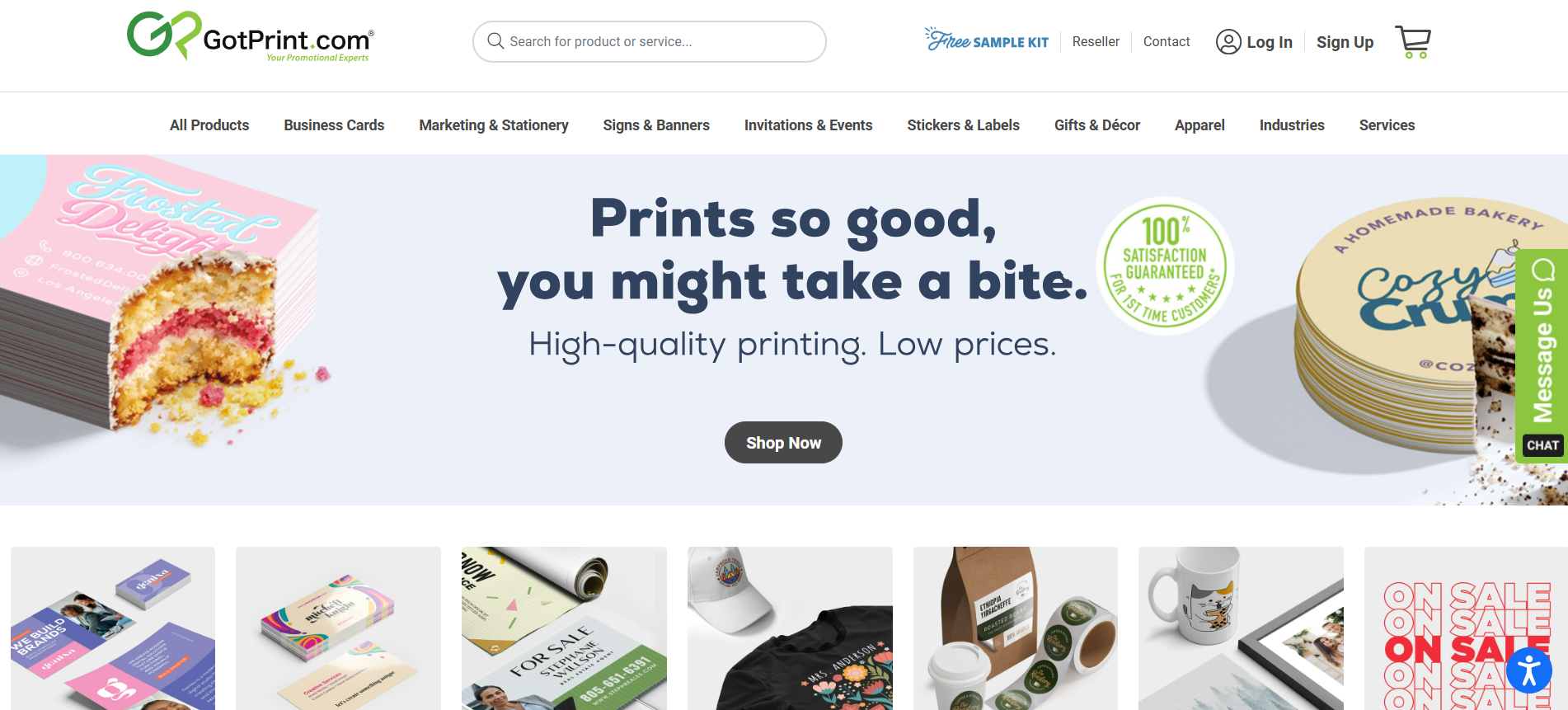
GotPrint is the practical choice for businesses that want quality cards at a reasonable price. It’s suitable for businesses that need to print larger quantities such as contractors, local services, sales teams, real estate professionals, or businesses with several employees.
Product highlights:
- Affordable printing: GotPrint has one of the lowest cost per card among competitors.
- Ready-made templates: The platform has hundreds of templates available for customization, if you don’t have a design yet.
- Simple customization: Users can change business details, upload logos and images, and adjust basic visual elements in their beginner-friendly editor.
- Multiple paper options and shapes: You can choose from everyday stocks as well as upgraded materials if you want something more substantial.
- Printed merchandise available: GotPrint also offers printing for materials like stickers, signages, t-shirts, roll labels, and more.
Limitation:
- The template’s design and quality, and the editor itself are fairly basic.
- Templates are also fewer compared to Design.com or BrandCrowd.
- Best viewed as a solid printing option rather than a full branding or design platform.
Pricing:
- Final pricing is determined by quantity, stock, size, and finishing options.
- Basic cards start at $9.59 (excluding shipping).
Final Thoughts
Each of these tools solves a slightly different business card problem. Canva makes designing approachable, VistaPrint gives you more control over printing, MOO focuses on premium quality, GotPrint keeps costs down, BrandCrowd emphasizes visual impact, and Jukebox Print gives you much more freedom with materials and finishes.
But if we have to choose one, Design.com is our best business card maker for 2026 because it approaches the business card as part of a larger brand identity. Its breadth of industry-specific designs makes it easier to find a card that genuinely suits your business, while its other design tools let you carry that look into your logo, website, social media, and other materials. It also offers printing, which makes it easier to get everything you need on one platform. For entrepreneurs trying to build a recognizable brand without constantly redesigning everything or jumping from tool to tool, that’s a particularly useful combination.