The best free logo makers in this guide are Design.com, BrandCrowd, Canva, Adobe Express, and Shopify Logo Maker, and each has its own strengths. You don’t need professional design experience to use a logo maker, since many now offer templates, customization tools, and AI-powered features that help you explore ideas and create a logo that suits your business.
You’ll find each tool’s key features, pros, limitations, and ideal user, plus tips on choosing the right one.
Best Free Logo Makers at a Glance
If you want a quick answer, here’s how the top free logo makers compare:
| Logo Maker | Best For | Key Strength |
|---|---|---|
| Design.com |
AI-powered logo creation | AI tools and a wide range of branding options |
| BrandCrowd |
Exploring logo styles | Large selection of customizable logo designs |
| Canva |
Creating other marketing materials | Easy-to-use editor and wider design tools |
| Adobe Express |
Adobe users and beginners | Simple logo creation with Adobe design tools |
| Shopify Logo Maker |
Quick and simple logos | Straightforward logo creation for beginners |
Each tool has its own strengths. Some are better for generating logo ideas quickly, while others give you more flexibility to create additional branding and marketing materials.
Below, we’ll take a closer look at each option to help you choose the best free logo maker for your needs.
1. Design.com
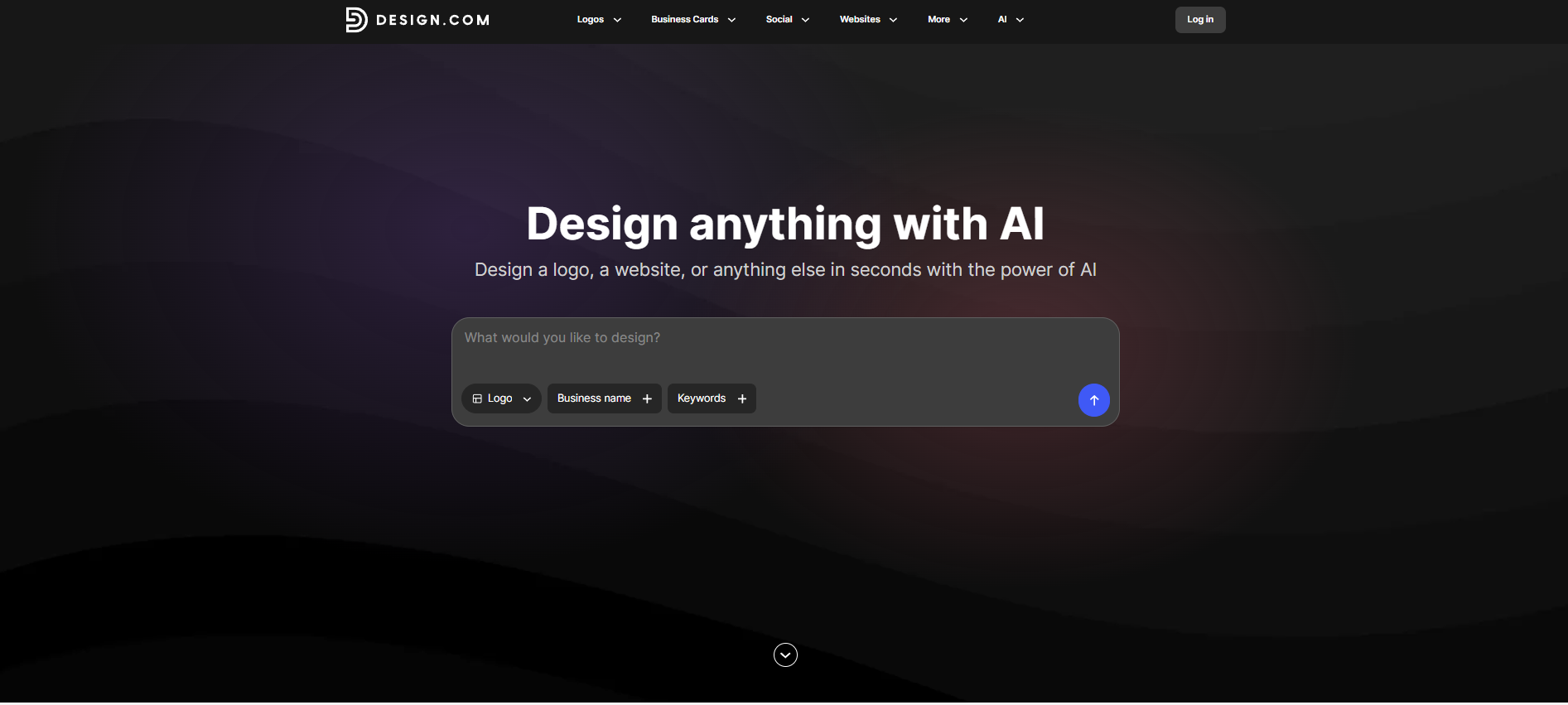
Best for: AI-powered logo creation and broader branding
Brief Overview
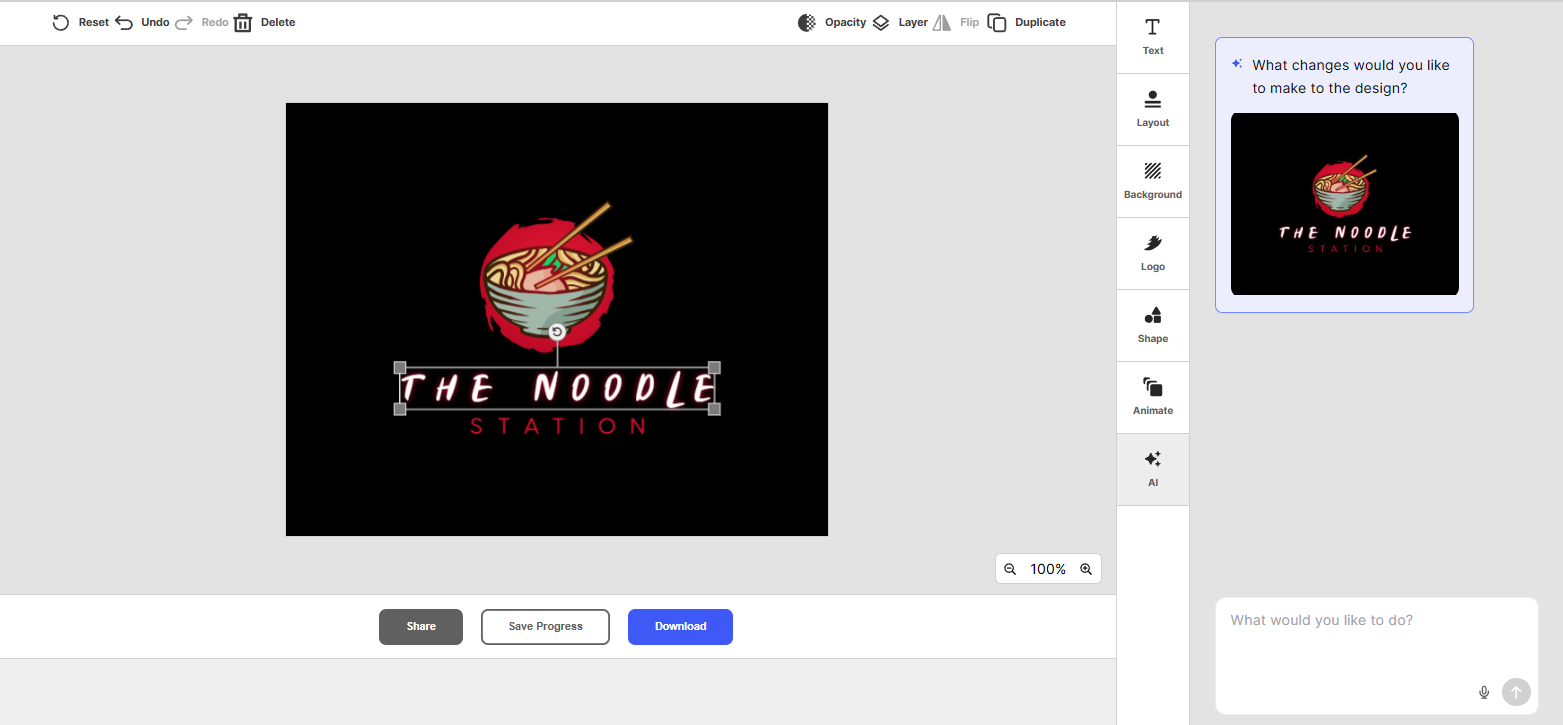
Design.com is an online design platform that helps businesses create a logo and other branded materials. Its logo maker gives users access to a large range of logo designs, along with AI-powered tools that can help generate ideas and simplify the design process.
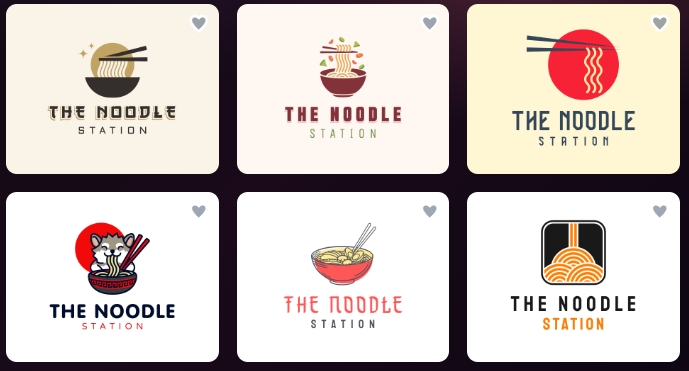
Rather than starting with a blank canvas, you can explore different logo concepts and customize elements to suit your business.
Key Features
- AI-powered logo generation
- Large library of logo templates and design ideas
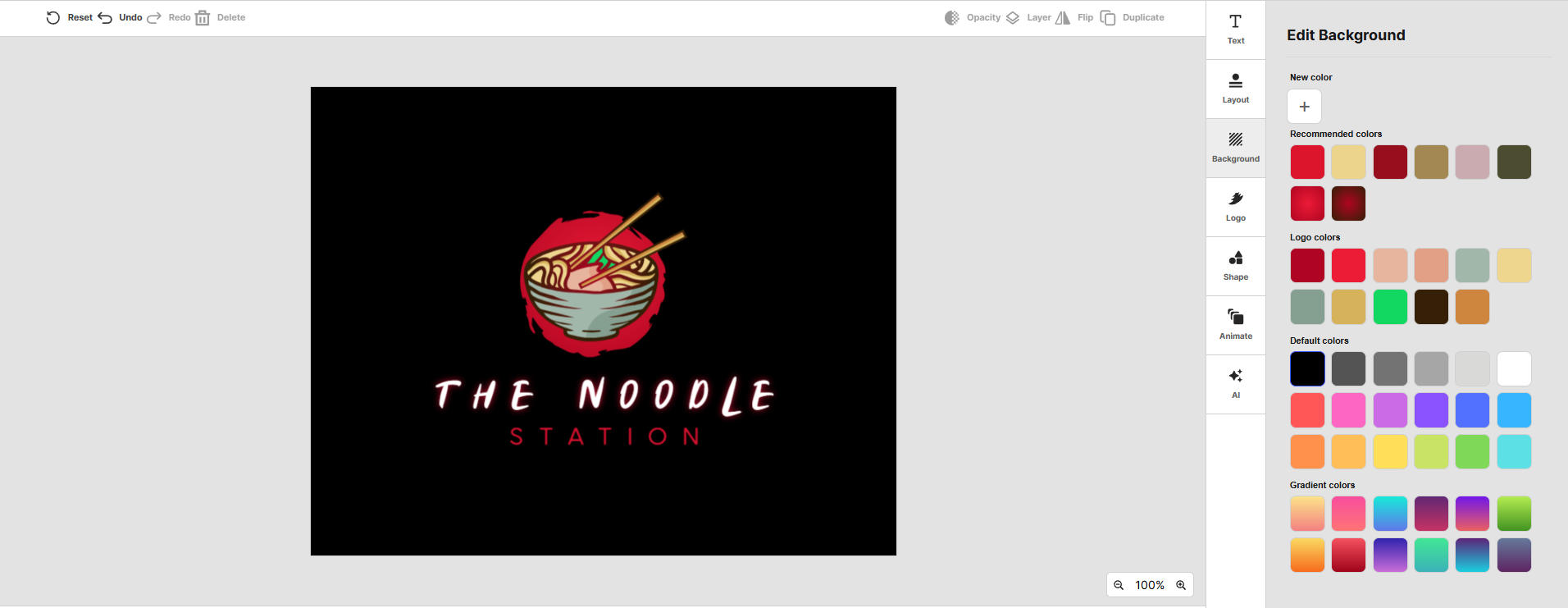
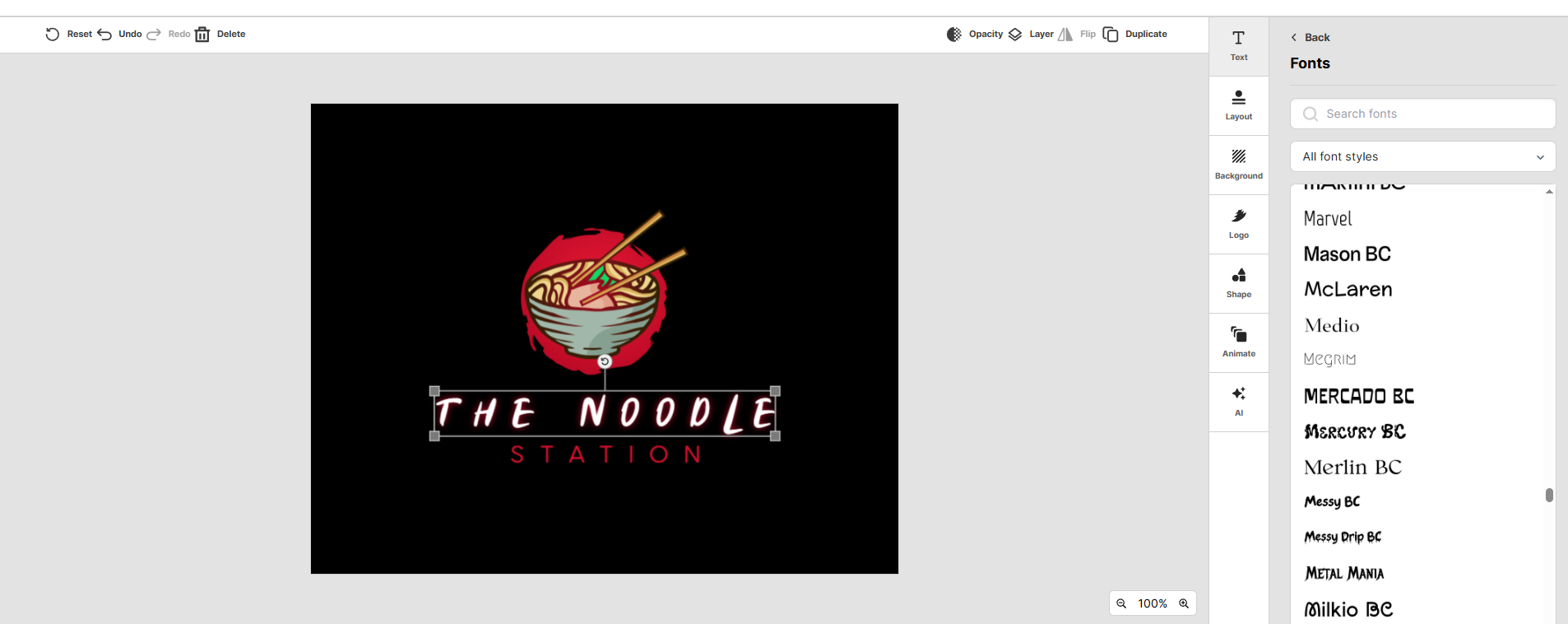
- Customizable fonts, colors, icons, and layouts
- AI-assisted design tools
- Additional branding and marketing design tools
- Options for creating materials beyond your logo
What Makes it Useful
What makes Design.com particularly useful is that it can support more than just the initial logo creation process.
Once you’ve established a logo and visual style, you can use the platform to create other branded materials. This can be helpful for startups and small businesses that want to maintain a more consistent look across different marketing channels.
Who It’s Best for
Design.com is best for:
- Startups building a new brand
- Small businesses on a limited budget
- Beginners without design experience
- Users who want AI assistance when creating a logo
- Businesses that also need other branding materials
Pros
- AI tools can help generate logo ideas quickly
- Plenty of customization options
- Useful for creating additional branded materials
- Beginner-friendly design process
- Suitable for businesses building their brand from scratch
Potential Limitations
- There’s no native app yet, but the browser experience is fast and responsive across devices.
- May feel lighter compared to enterprise-grade tools, but ideal for hassle-free workflows for small teams
See it in action below:
2. BrandCrowd
Best for: Exploring a large selection of logo designs
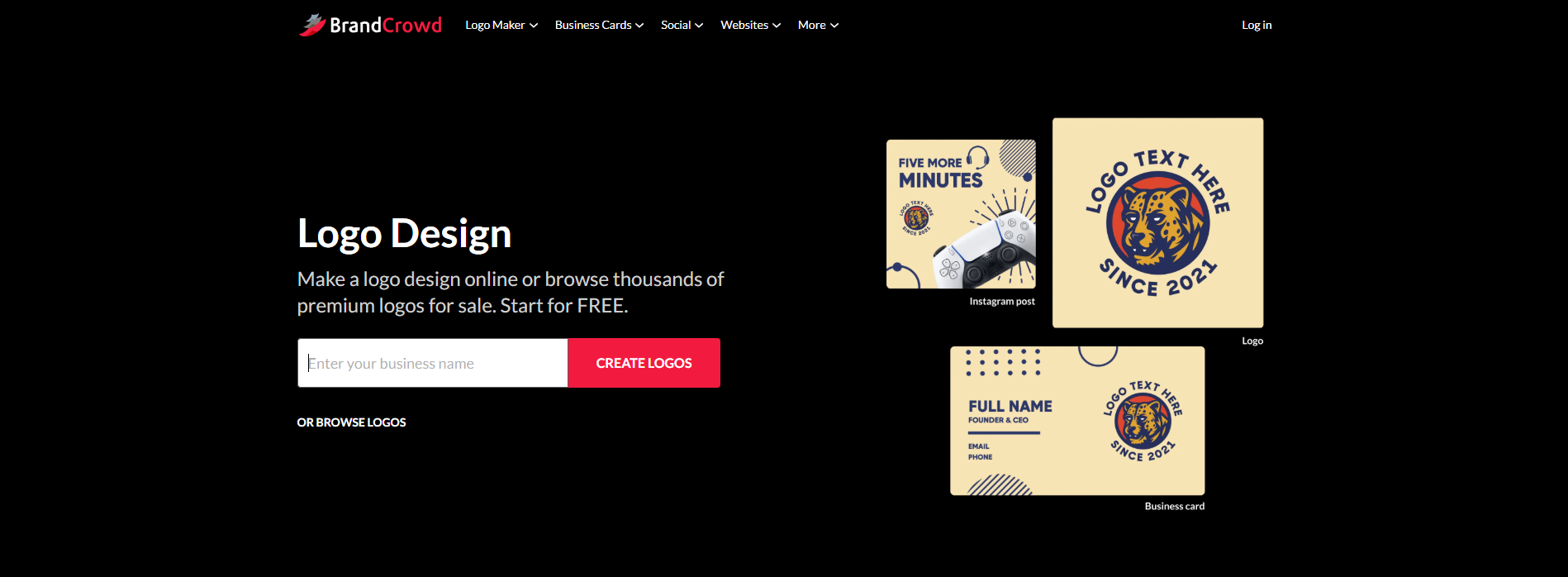
BrandCrowd is an online logo maker built around a large library of professionally designed logo templates. You can search for designs based on your business name, industry, or preferred style, then design a logo to fit your brand.
This approach makes it easy to browse different ideas before deciding what direction you want to take.
Key Features
- Large library of logo designs
- Search by business name, industry, or design style
- Customizable fonts, colors, icons, and layouts
- Online logo editor
- Additional branded design templates
- Business card and social media design options
What Makes it Useful
BrandCrowd is particularly useful if you don’t have a clear idea of what your logo should look like yet.
Instead of creating a design from scratch, you can browse different concepts and use them as a starting point. This can help you compare styles and find something that fits your business.
The customization tools also give you control over the finished design rather than simply downloading an unchanged template.
Who It’s Best for
BrandCrowd is best for:
- Small businesses looking for logo inspiration
- Entrepreneurs who want to browse different styles
- Beginners creating their own branding
- Users who prefer template-based logo creation
- Businesses that need additional branded materials
Pros
- Extensive selection of logo designs
- Easy to browse and compare different styles
- Straightforward customization
- Useful for more than just logo creation
- No professional design experience required
Potential Limitations
- It may not integrate as deeply with developer workflows
- Collaboration features may feel lighter compared to enterprise-grade tools
3. Canva
Best for: Logo creation and wider DIY design
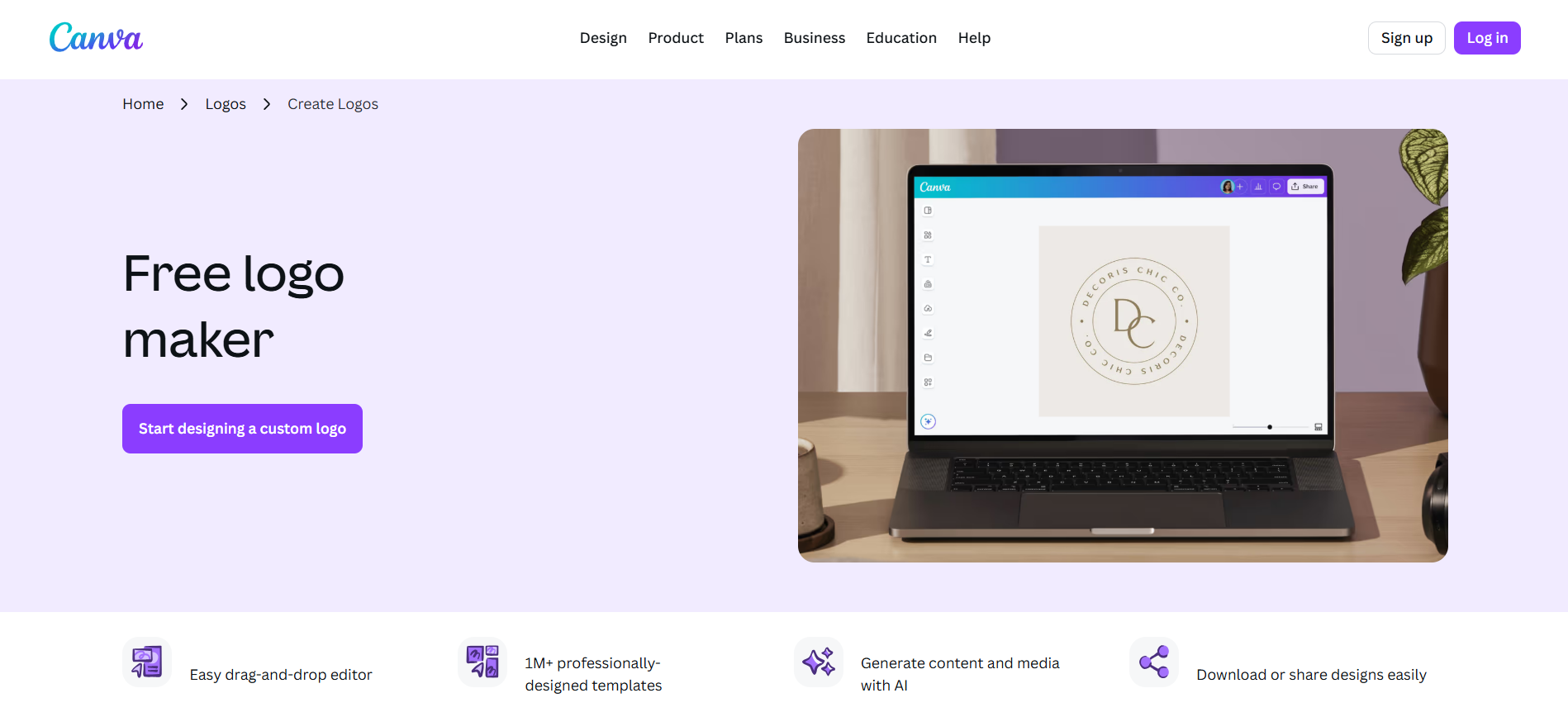
Canva is a popular online design platform with a large collection of templates for logos, social media graphics, presentations, flyers, and other marketing materials.
Its logo maker is particularly accessible for beginners. You can choose a template, replace the existing text and graphics, and adjust the design using Canva’s drag-and-drop editor.
Key Features
- Logo templates
- Drag-and-drop editor
- Customizable fonts, colors, graphics, and layouts
- Free design elements and templates
- Social media and marketing templates
- Brand management tools
- AI-powered design features on supported plans
What Makes it Useful
Canva’s biggest advantage is that your logo doesn’t have to be at the end of your design process.
If you’re running a small business, you may also need Instagram posts, flyers, presentations, business cards, and other marketing materials. Canva lets you create many of these assets from the same platform.
This can be convenient for business owners who want to handle their own design work without learning professional design software.
Who It’s Best for
Canva is best for:
- Beginners who want an easy editor
- Small businesses creating their own marketing materials
- Freelancers and personal brands
- Users who need more than a logo
- Businesses that want to create social media content alongside their branding
Pros
- Easy drag-and-drop editor
- Large template library
- Useful for many types of business content
- Free plan available
- Beginner-friendly
- Works well for maintaining a consistent visual style
Potential Limitations
- Some templates and design elements are only available on paid plans
- Template-based designs may require more customization to feel distinctive
- Businesses looking for a highly bespoke logo may need a more specialized design service
4. Adobe Express
Best for: Simple logo design within the Adobe ecosystem
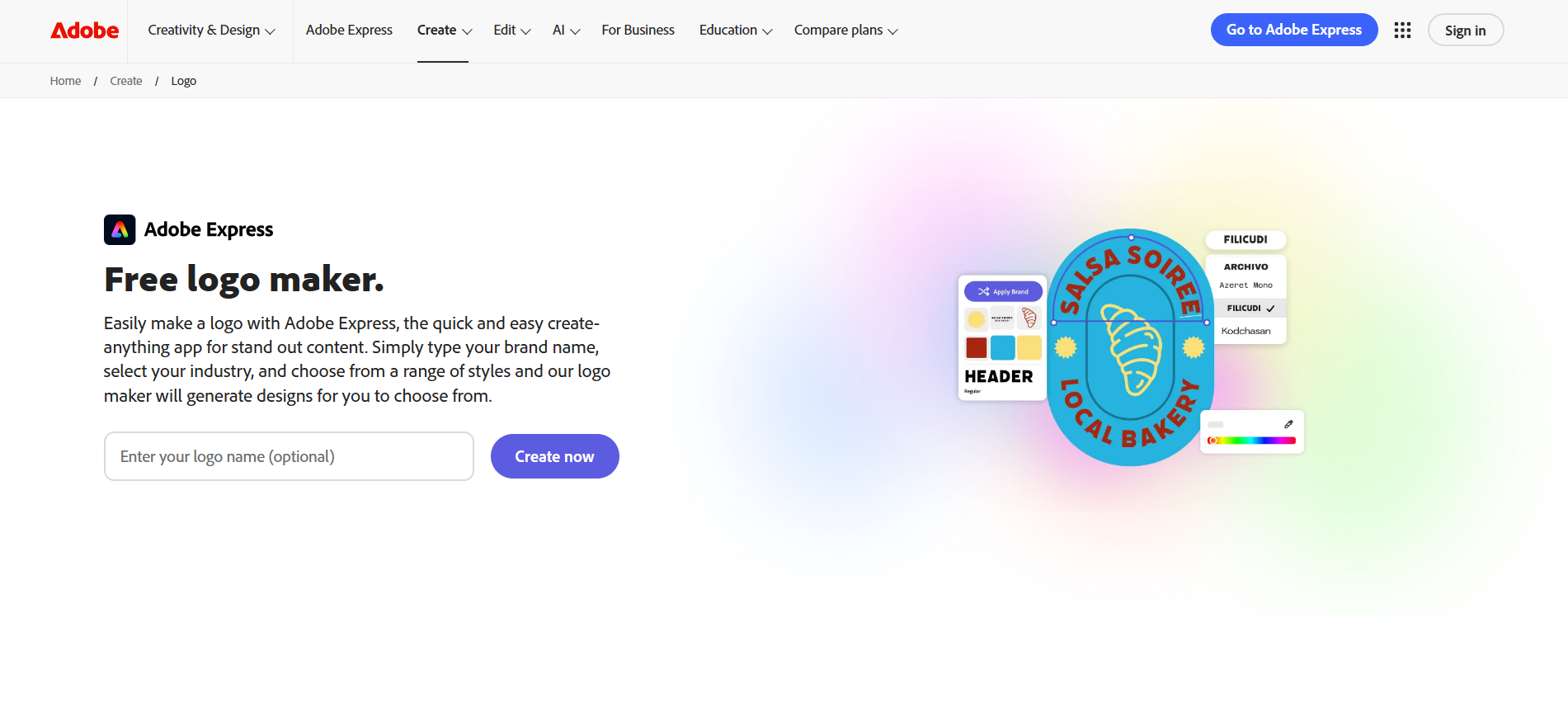
Adobe Express is a web and mobile design platform that provides templates and easy-to-use tools for creating logos and other visual content.
It offers a simpler experience than professional Adobe applications such as Illustrator, making it more approachable for people who don’t have extensive design experience.
Key Features
- Logo templates
- Customizable text, colors, graphics, and layouts
- Drag-and-drop editing
- AI-powered creative features
- Social media and marketing templates
- Integration with other Adobe tools and services
What Makes it Useful
Adobe Express is useful for businesses that want a relatively simple design experience while still having access to Adobe’s wider creative ecosystem.
The platform isn’t limited to logos. You can also create social posts, flyers, presentations, promotional graphics, and other content.
For someone who wants to create their own branding and marketing materials, having these tools available in one place can be convenient.
Who It’s Best for
Adobe Express is best for:
- Beginners who want a straightforward design tool
- Small businesses creating their own marketing content
- Existing Adobe users
- Users who want to create logos and other branded graphics
- Businesses that need social media and promotional designs
Pros
- Beginner-friendly interface
- Free plan available
- Large range of design templates
- Useful beyond logo creation
- Part of the broader Adobe ecosystem
- Available on web and mobile
Potential Limitations
- Some premium templates and features require a paid plan
- Users looking for dedicated logo-generation tools may prefer a specialized logo maker
- More advanced customization may require other Adobe applications
5. Shopify Logo Maker
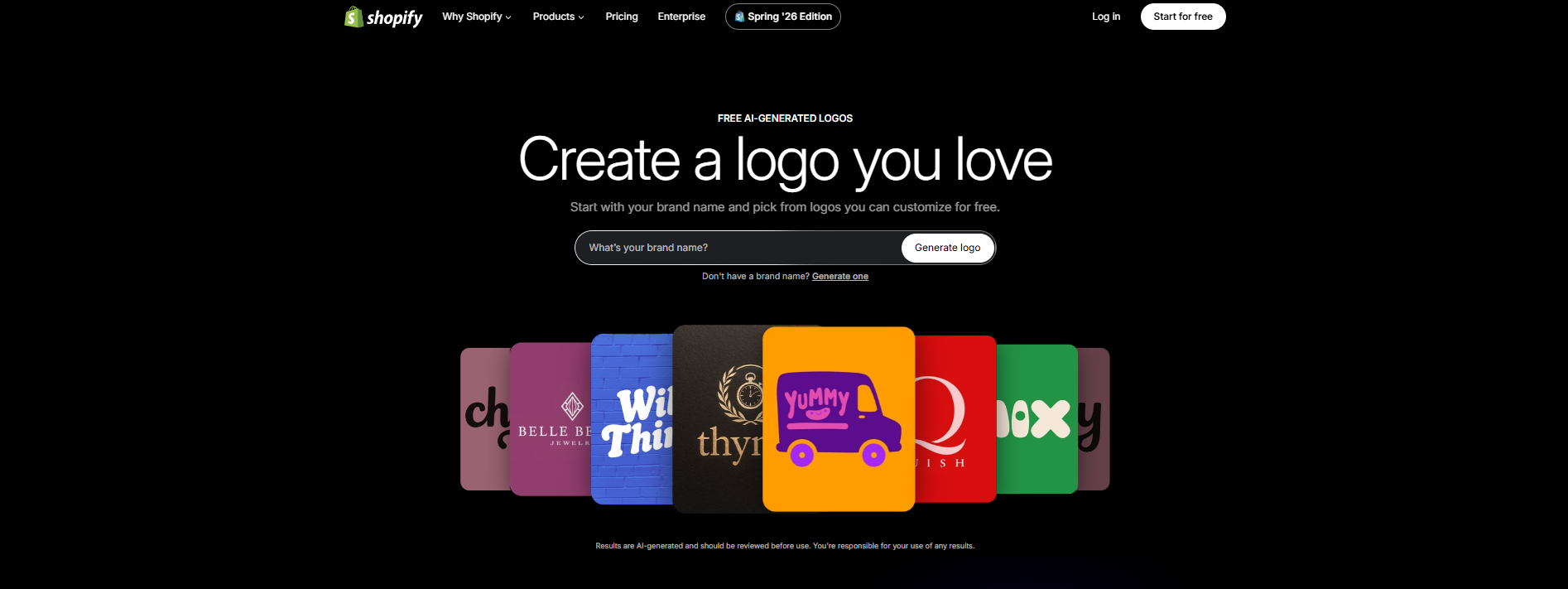
Best for: Quick and simple logo creation
Shopify’s logo maker is a free tool designed to help businesses create a logo without needing professional design skills.
The process is straightforward. You provide information about your business, choose from available design directions, and customize the elements to create a logo that fits your brand.
Key Features
- Free logo creation
- Simple logo generation process
- Customizable layouts
- Font and color options
- Business-focused design templates
- Designed with ecommerce businesses in mind
What Makes it Useful
Shopify Logo Maker is useful for business owners who want to create a simple logo without spending a lot of time learning a design platform.
It’s particularly relevant for ecommerce entrepreneurs who are already thinking about setting up an online store. A logo can be one of the first branding assets you need when launching a new business, so having a straightforward tool can help you get started quickly.
The tool is also useful if you don’t need extensive design features and simply want a clean logo for your business.
Who It’s Best for
Shopify Logo Maker is best for:
- New ecommerce businesses
- Shopify merchants
- Entrepreneurs who need a logo quickly
- Beginners with limited design experience
- Businesses looking for a straightforward logo creation process
Pros
- Free to use
- Simple and beginner-friendly
- Quick logo creation process
- Useful for ecommerce businesses
- Doesn’t require professional design experience
Potential Limitations
- Fewer advanced design options than some dedicated logo makers
- Less suitable for businesses looking for extensive customization
- Primarily focused on straightforward logo creation rather than broader brand development
How to Choose the Best Free Logo Maker
The best free logo maker depends on what you actually need. Before choosing a tool, consider the following.
Check What You Can Download for Free
“Free” can mean different things depending on the platform.
Some tools let you create and customize a logo for free but charge you when you want to download a high-resolution file. Others offer free downloads but limit the file types, templates, or features available.
Before spending time creating a logo, check exactly what is included in the free version.
Consider How Much Customization You Need
If you simply want to choose a template and make a few changes, a straightforward tool may be enough.
However, if you want to experiment with multiple layouts, colors, fonts, and design ideas, look for a logo maker with more flexible customization options.
Think Beyond the Logo
Your logo is only one part of your brand.
If you also need social media graphics, business cards, presentations, flyers, or other marketing materials, choosing a platform with additional branding and design tools could save you time later.
Check the Available File Types and Usage Terms
A logo may look good on your screen but still need to work across websites, social profiles, printed materials, and other applications.
Check what file formats are available and review the platform’s licensing and usage terms before using the logo commercially. The right to use a logo is not necessarily the same as having trademark rights, so businesses with specific legal requirements should seek appropriate professional advice
Which Free Logo Maker Should You Choose?
There is no single free logo maker that will be right for everyone.
- Choose Design.com if you want AI-assisted logo creation and access to broader branding tools.
- Choose BrandCrowd if browsing and customizing a large range of logo styles is your priority.
- Choose Canva if your logo is part of a wider DIY design workflow.
- Choose Adobe Express if you want a beginner-friendly design tool within the Adobe ecosystem.
- Choose Shopify Logo Maker if you want a simple and straightforward way to create a logo quickly.
Final Thoughts
Creating a logo no longer has to mean hiring a designer or learning complicated design software. Free logo makers give businesses a practical way to explore ideas, customize designs, and create a visual identity on a smaller budget.
The key is to look beyond the word “free.” Check what you can actually download, how much customization you have, and whether the tool gives you the files and usage rights you need.
For businesses looking for an AI-powered starting point with additional branding tools, Design.com is a strong option. But the best choice ultimately depends on how you plan to use your logo and what you need to create alongside it.
Before making a final decision, try a few options, compare the results, and choose the tool that gives you the most confidence in the design you’re creating.
Terms in this guide