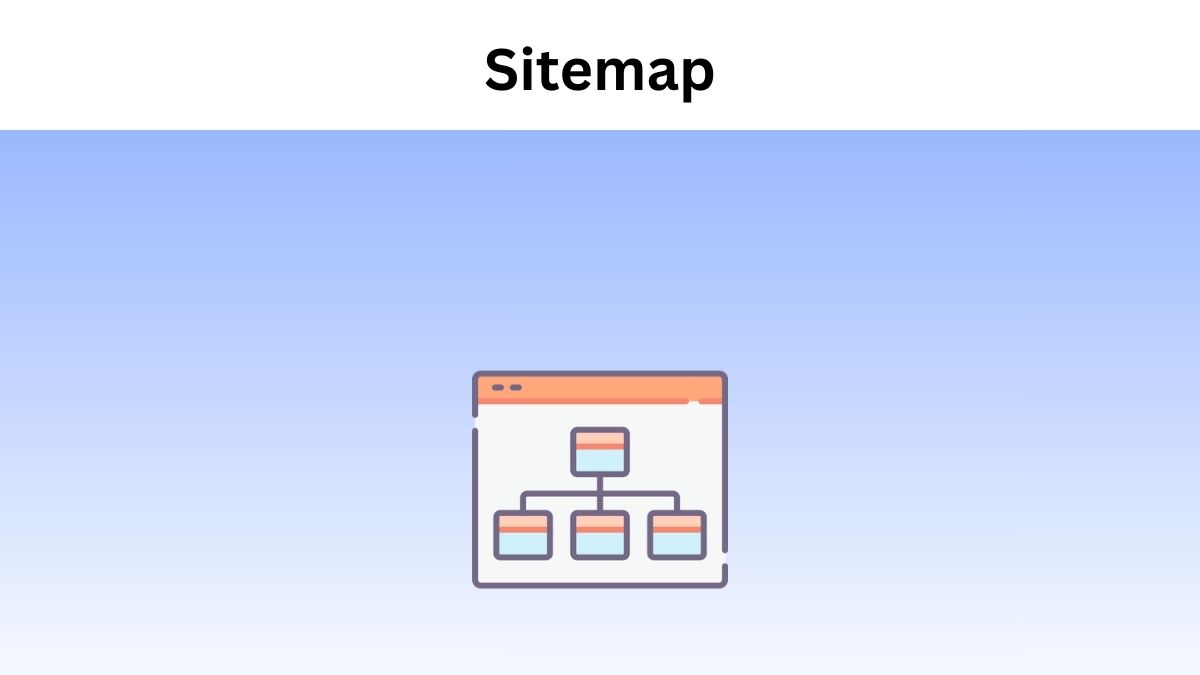
A Sitemap is a design of your website that assists the search engines in finding, crawling, and indexing all of the content of your website. Sitemaps also inform search engines about the pages that are most prominent on your site.
There are Four Main Types of Sitemaps
- Normal XML Sitemap: This is the most popular type of sitemap. It links to various pages on your website and is usually in the form of an XML Sitemap.
- Video Sitemap: Its work is to assist Google in understanding the video content on your page.
- News Sitemap: Helps Google to locate content on sites that are allowed for Google News.
- Image Sitemap: Helps Google to examine all the images that are hosted on your website.
Also Read: What are the Different Types of SEO
Why are Sitemaps Important?
For several pages on your site, this is used by many Search engines like Google, Yahoo, and Bing. Sitemaps can help engines find pages. There are also some exceptional cases in which it will come in handy.
For example, Google mostly finds webpages through links. And if your site is newly created and only has a handful of external backlinks, it is best to help Google find pages on your website.
Or maybe if you manage an E-commerce website with millions of pages. Except your internal link is perfect and has a ton of external links, Google will have a hard time finding all of the pages. That is where the sitemaps come in.
With this, here is how you will set it up and optimise it for SEO.
What If You are Using WordPress?
Then you can get it made with the Yoast SEO plugin.
The foremost benefit of Yoast is to generate your XML sitemap is that it updates automatically.
What If You Don’t Use WordPress?
No worries. There are many third-party generator tools like XML-Sitemaps.com, which you can use. These will generate an XML file that you can use as your sitemap.
Also Read: Why Digital Marketing is Important for Small Businesses
Use Your Sitemap to Find Problems With Indexing
One of the cool things about using a sitemap is that it gives you a ballpark estimate of:
- How many pages do you WANT indexed
- How many pages ARE indexed
For instance, let’s assume that your sitemap links to 5,000 pages. But when you look at the Google Search Console, your site has only 2,000 pages indexed.
That’s a sign that something’s up. It could be that there’s plenty of duplicate content in those 5,000 pages. So Google isn’t indexing all of them.
Or it would be that the number of pages on your site surpasses your crawl budget.
Also Read: How Video Content Transforms SEO Rankings
Match Your Sitemaps and Robots.txt
Your sitemaps and Robots.txt must work together.
In other words:
If you change a page in robots.txt or use the “noindex” tag on a page, you don’t want it to appear in your sitemap. Otherwise, you’re sending mixed messages to Google.
Your sitemap states: “This page is significant enough to get it into our sitemap.” But when Googlebot lands on the page, they get blocked.
Terms in this guide